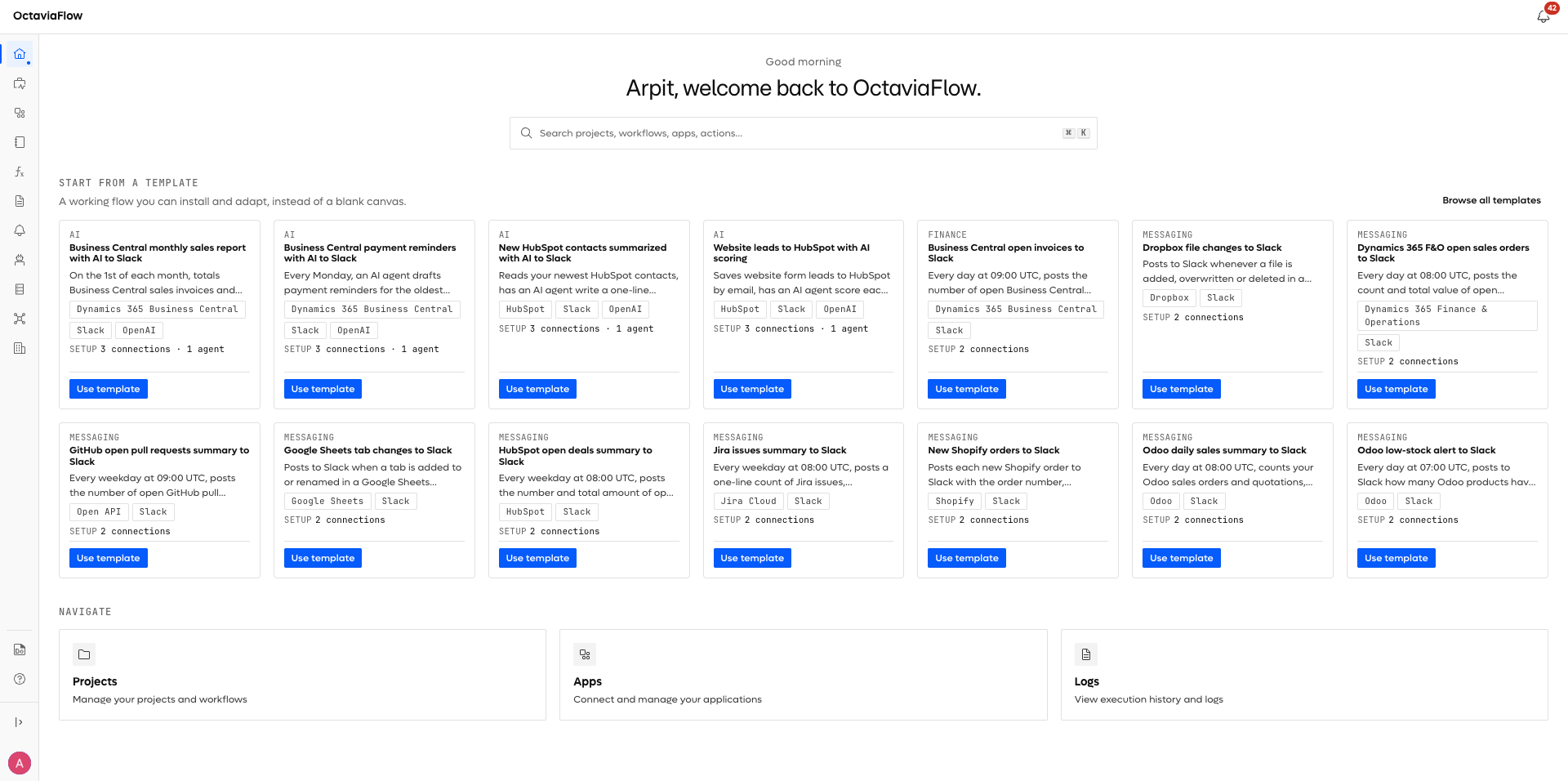
Getting Started
Everything you need to go from zero to your first running flow.
Octaviaflow moves data between the tools you already use and automates the work that happens around it. You connect an account once, then build flows — visual sequences of steps that read records, reshape them, branch on them, and write them somewhere else. An AI agent can be one of those steps.
If you have twenty minutes, read Introduction and then work through the Quickstart. That is enough to have something real running.
What people build with it#
Shape | Example |
|---|---|
Sync | Keep CRM accounts and your accounting system agreeing, on a schedule |
Event-driven | A webhook arrives, a flow validates it and creates the record |
Batch | Read a CSV from storage every night, parse it, load the rows |
Document | Pull the fields out of an invoice PDF and file them |
Agentic | Classify, summarise or enrich records with an AI agent mid-flow |
What you need before you start#
- An Octaviaflow workspace. New workspaces get a 14-day trial with everything unlocked — see Plans & Billing.
- Access to at least one system you want to automate. If it has an HTTP API it will work, even without a native connector — see Connect Any API.
- Permission to authorise that system. Most connections use OAuth, so you will be asked to sign in and approve access.
In this section#
- Introduction — what the platform is and how the pieces fit together
- Quickstart — build and run your first flow
- Core Concepts — the seven words the rest of these docs assume
Where to go next#
Once your first flow runs, most people go one of three ways:
You want to | Start at |
|---|---|
Build something real | |
Connect your own systems | |
Look something up |